
Signal
Signal is a free, privacy-focused encrypted messaging app from the Signal Foundation. Signal Desktop 8.28.0 brings your chats to a Windows PC.
Windows
Open source

8.150.0.125 · Skype Technologies · Page updated
Skype was a free calling and chat app owned by Microsoft. The service closed on 5 May 2025, and Microsoft Teams is its official successor.
Average 0.0 · ratings: 0
Thank you! Your rating is saved; you can change it. Could not save the rating. Please try again later. Too many ratings from your network today. Please try again tomorrow. The average appears after 5 ratings.
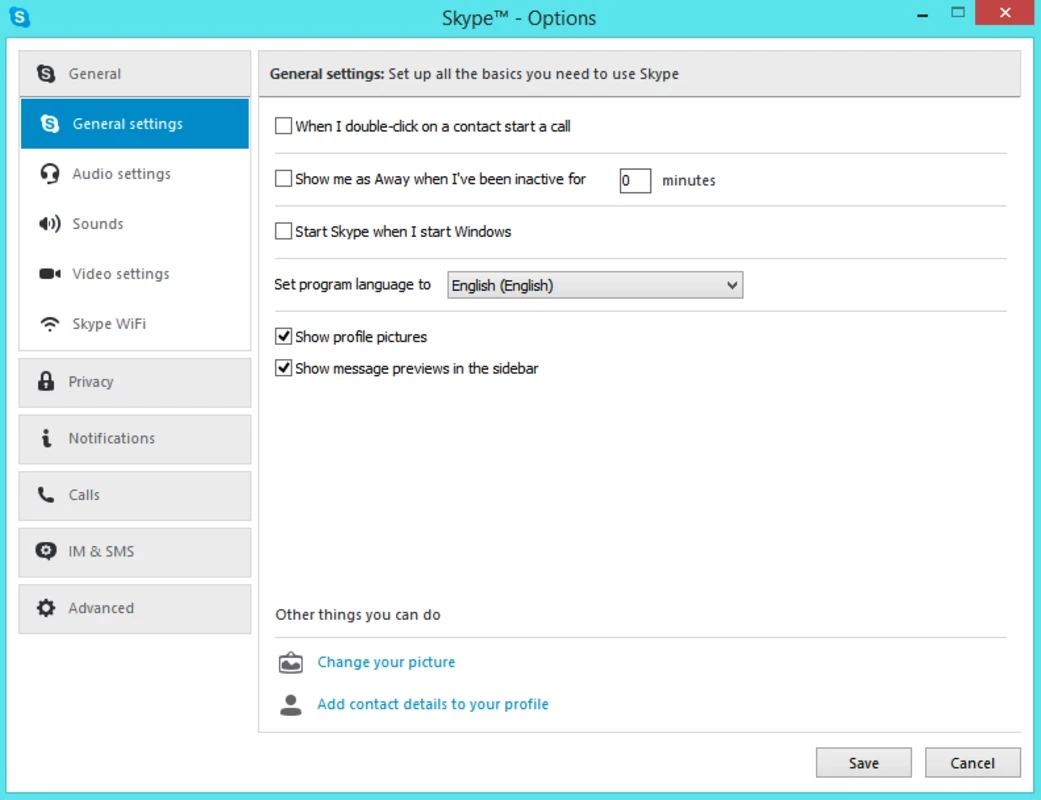
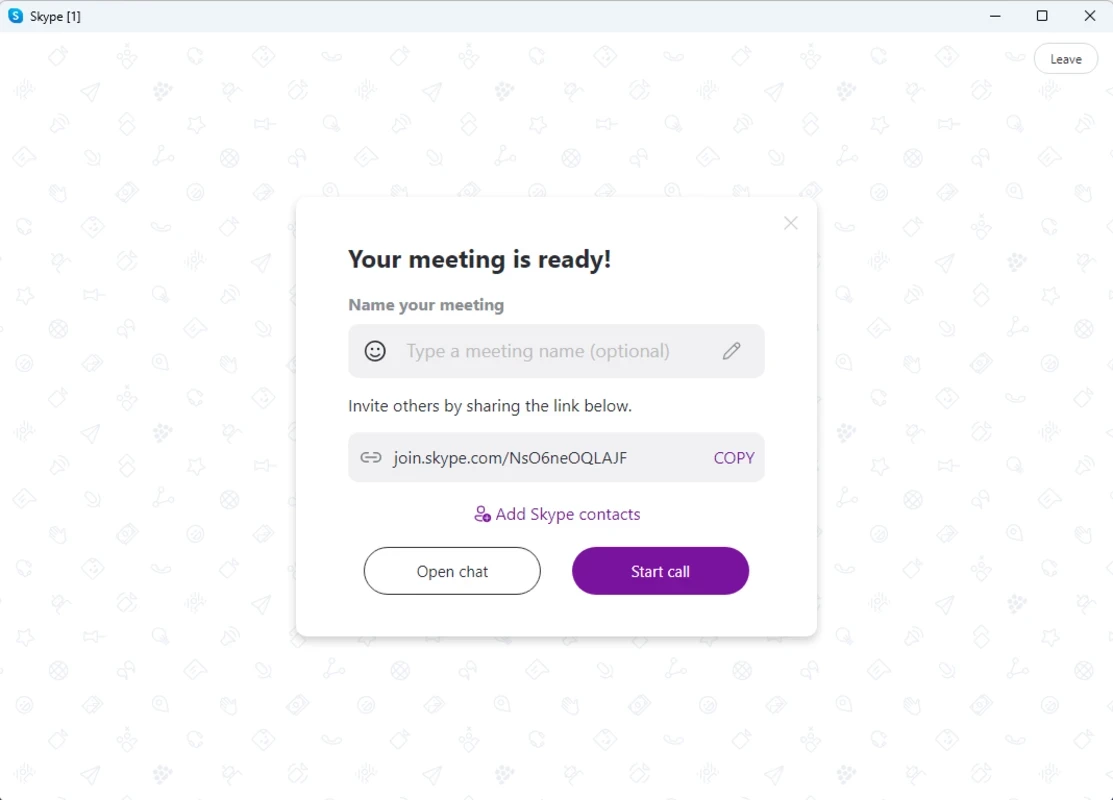
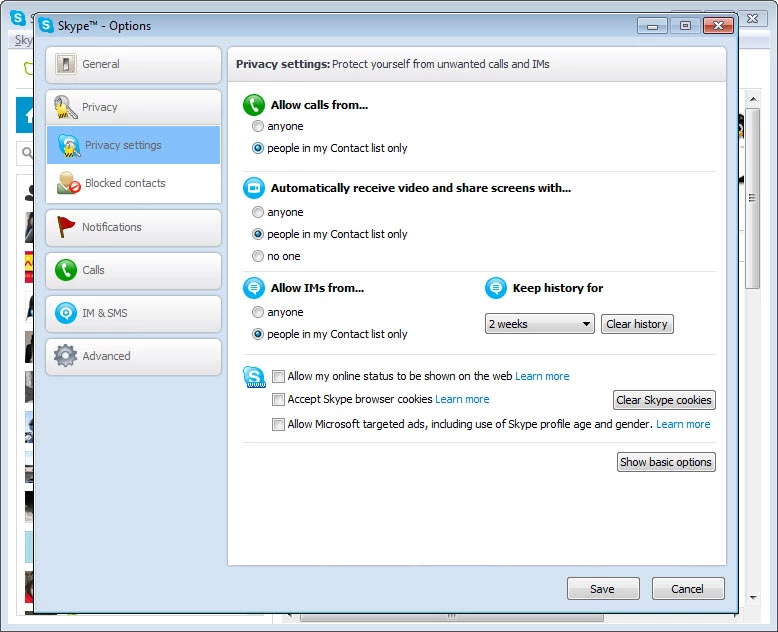
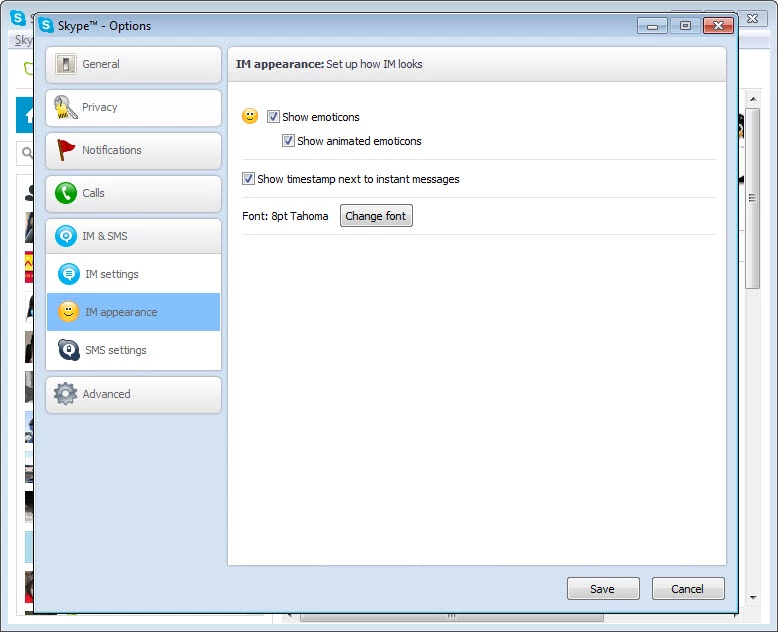
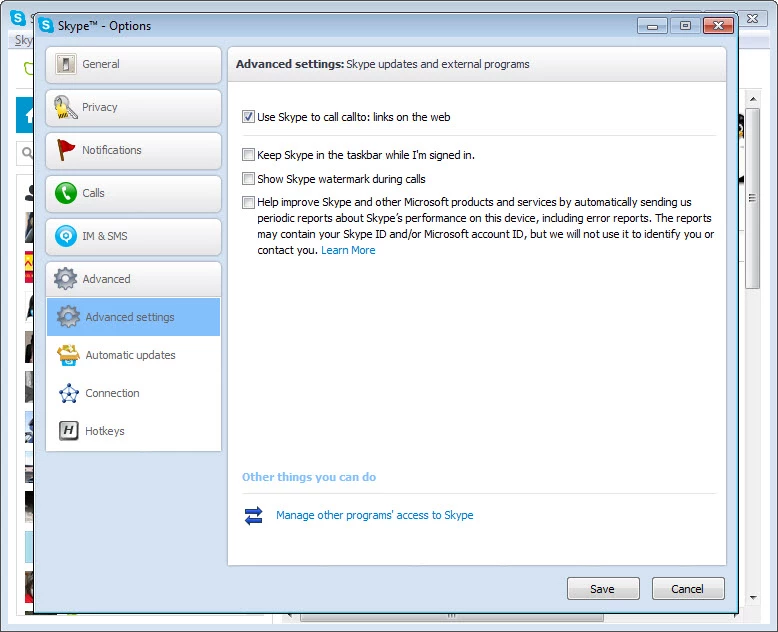
Skype for Windows was a messaging and calling app owned by Microsoft, and it is no longer available to download: Microsoft closed the Skype service on 5 May 2025. The last Windows build recorded in catalogue data is 8.150.0.125, but an installer of that version will not bring the service back, so this page explains what Skype was and how to move on to Microsoft Teams.
| Item | Details |
|---|---|
| Status | Discontinued, service closed on 5 May 2025 |
| Successor | Microsoft Teams (free plan for personal use) |
| Owner | Microsoft; developed by Skype Technologies |
| First release | 29 August 2003 |
| Type | Instant messaging, voice over IP and video calls |
| Last Windows build in catalogue data | 8.150.0.125 |
| Licence | Proprietary, free to use |
Skype appeared in August 2003, created by Niklas Zennström, Janus Friis, Ahti Heinla, Priit Kasesalu, Jaan Tallinn and Toivo Annus. It paired an instant messaging client with voice over IP, and later with video calls, at a time when calling abroad over a phone line was expensive. For many people the name became a verb for calling someone over the internet. After it became part of Microsoft, Skype Technologies kept developing it for Windows, macOS, Linux, Android and iOS, as well as for phone systems that have since disappeared, such as Symbian, BlackBerry OS and Windows Phone. Families used it to stay in touch across borders, companies ran interviews and small meetings on it, and teachers used it for remote lessons. Over the years Microsoft moved its own communication work to Teams, and Skype gradually turned into a legacy product that received fewer changes. In early 2025 Microsoft announced the shutdown and a transition period, and after 5 May 2025 the Skype apps stopped connecting to the service.
A Skype account was a Microsoft account, so the account itself did not disappear. During the transition Microsoft let Skype users sign in to the free version of Teams with the same credentials, where their contacts and chat history appeared automatically. People who did not want Teams could export their Skype data instead. If you never made that move, sign in to Teams with your old Skype login first: that is the place to check what has been carried over. Paid Skype features such as calling credit were wound down along with the service.
Teams has its own system requirements, listed on the Microsoft site; any Windows PC that ran a recent Skype build is usually fine, but check the page before installing on an old machine.
Setup files for Skype still circulate on third-party download sites. They are not a safe way to get the service back: the apps cannot sign in any more, they no longer receive security fixes, and repackaged installers are a common way to spread malware. Remove Skype from your PC if it is still installed, and do not enter your Microsoft account password into any program that claims to be a working Skype.
If Teams does not suit you, other messaging and calling apps listed on our site include WhatsApp Desktop, Telegram Desktop, Signal, Viber, Discord, Zoom Meeting and Google Meet. Pick one that the people you call already use, since a call app is only as useful as its contact list.
Signal is a free, privacy-focused encrypted messaging app from the Signal Foundation. Signal Desktop 8.28.0 brings your chats to a Windows PC.

WhatsApp Desktop is the official WhatsApp app for Windows, letting you chat and call from your PC with the account on your phone.

Microsoft Teams is Microsoft's collaboration and video-conferencing app for chat, meetings, calls and shared files at work, school or home.

Zoom Meeting is the desktop client of Zoom's video-conferencing service for calls, webinars, screen sharing and chat on Windows.

Camo Studio is Reincubate's desktop app that turns an iPhone, iPad or Android phone into a high-quality webcam for a Windows PC or Mac.

Google Meet is Google's video meeting app. On Windows it runs from the browser and can be installed as an app, with no separate installer to download.

Facebook for Windows is the desktop app of Meta's social network, with the news feed, groups, pages and notifications in a separate window.

Telegram Desktop is the official Windows client of the Telegram messenger, with chats, groups, channels and file sharing synced from the cloud.

Telegram Web is the browser version of the Telegram messenger: open it on a Windows PC, log in with your phone and chat without installing anything.